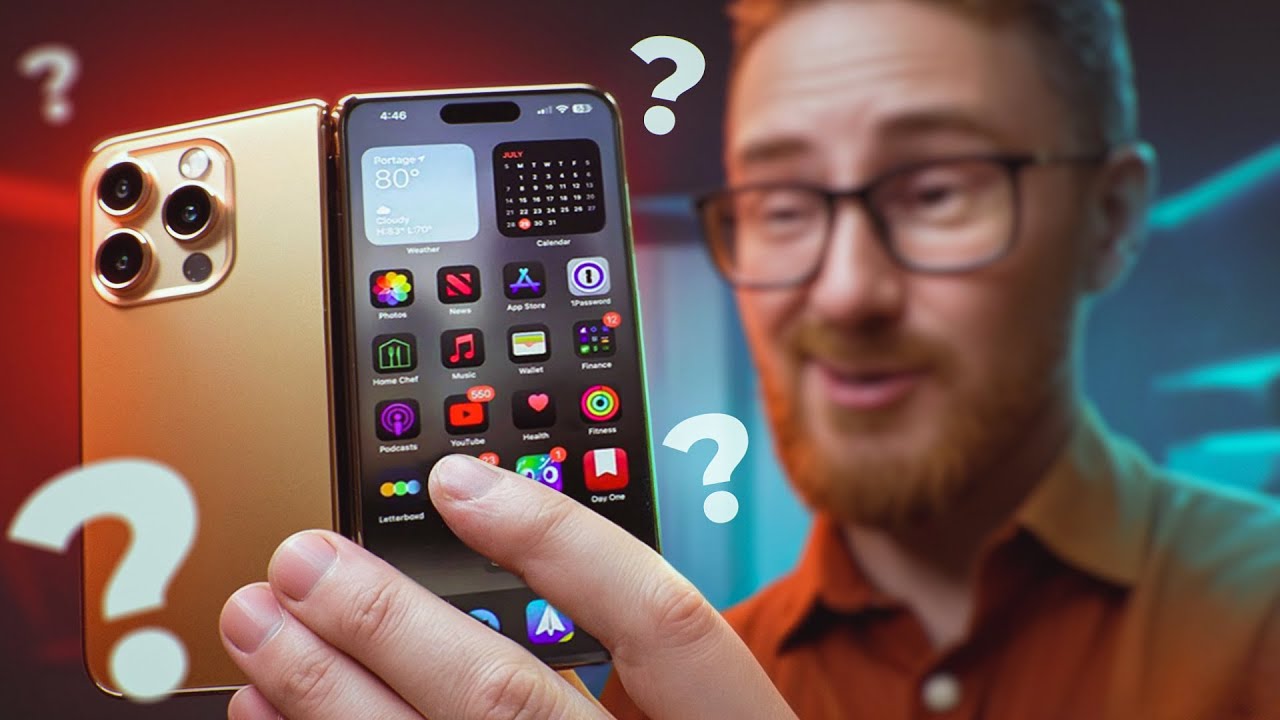
If I Started a Podcast in 2026, I'd Do this!
If I had to start a podcast from scratch in 2026 with no audience, this is exactly what I would do.🔴 Ready to record? Use code THINKMEDIA to get your first month of Riverside Pro free ➡️ https://creators.riverside.com/ThinkMedia12
🎁 Everything you need to build your channel right in 2026! Get 97% off our YouTube Creator Toolkit here ➡️ http://ThinkMediaSale.com
This video is sponsored by @Riversidefm. Some product links are affiliate links which means if you buy something we'll receive a small commission.
=============================
All Products and Gear Mentioned in this video
(Amazon Links)
=============================
🔴 Ready to record? Use code THINKMEDIA to get your first month of Riverside Pro free ➡️ https://creators.riverside.com/ThinkMedia12
Check out everything you need to start a podcast in 2026 here ➡️ https://amzn.to/44l6iBo
🎙️ Podcast Mics
Fifine AM8 - https://geni.us/YM2TPTo
Samson Q2U - https://geni.us/NfsNB
Shure MV7X - https://geni.us/aAt8t0
Shure SM7B - https://geni.us/NwM5MWX
Shure SM7DB - https://geni.us/muKul
🔉 Audio Interfaces
Vocaster Two - https://geni.us/8rvL
RODECaster Duo - https://bit.ly/thinkrodecasterduowhite
RODECaster Pro II - https://bit.ly/thinkrodecasterproii
📸 Podcasting Cameras
Hollyland Lyra - https://geni.us/AoSmYe
YoloCam S3 - https://geni.us/meSB01
Sony ZV-E10 II - https://geni.us/0QSGwH
===========================
Connect with us!
=============================
Tik Tok: ➡︎ https://www.tiktok.com/@thinkmediaofficial/
IG: ➡︎ https://www.instagram.com/officialthinkmedia/
===========================
Subscribe and Listen to the Think Media Podcast HERE:📱
===========================
➡︎YT: @ThinkMediaPodcast
➡︎Apple: https://apple.co/2F3tmIS
➡︎Spotify: https://spoti.fi/36qevE8
⏰ Timecodes ⏰
0:00 How to Start a Podcast in 2026
0:28 Tip #1: Choose a Clear Niche
1:23 Tip #2: Define Your Show Identity
2:21 Tip #3: Lock in Your Show Format
3:49 Tip #4: Choose Your Recording Platform (Riverside)
5:49 Tip #5: Plan Your First 4-6 Episodes
7:08 Tip #6: Get a Better Microphone (Budget & Pro Options)
8:42 Tip #7: Consider Adding Video
9:35 Tip #8: Learn Basic Audio Editing (EQ & Compression)
10:37 Tip #9: Shoot for Vertical Video
11:16 Tip #10: Record Backup Audio
12:17 Tip #11: Batch Record Your Episodes
13:10 Tip #12: Invite Guests (Leverage OPAs)
14:02 Tip #13: Hook the Viewer Immediately
14:38 Tip #14: Build an Email List
15:28 Tip #15: Add Clear Calls to Action (CTAs)
16:23 Next Steps for Video Podcasting
===========================
Here are the ways to work with us here at Think Media:
===========================
⚡️FREE CLASS: Watch our FREE YouTube class here: ➡︎ http://ThinkMasterclass.com
⚡️BOOK: Check out the #1 best-selling book YouTube Secrets here: ➡︎ https://ytsecrets.com/
⚡️For Support inquires, or Business inquiries, please go to ➡︎ http://ThinkMediaSupport.com
⚡️Join our YouTube Course & Community TODAY with this special limited-time bundle at: http://joinvra.com
===========================
What We Use For Music:
===========================
🔥 Get a 7-day free trial for new personal and commercial plan here! ➡️ http://thinkmediasounds.com
===========================
In-Depth Channel Analytics and Ideas
===========================
Get a 30-Day trial of vidIQ's Boost plan for just $1 here: 👉 http://vidiq.com/think
===========================
#thinkmedia #seancannell #youtubetips
If I had to start a podcast completely from scratch in 2026 with no audience and no fancy studio, this is exactly what I would do. Most new podcasts fail because they skip the fundamentals. In this video, I break down 15 quick, practical tips to help you launch, grow, and win with your podcast this year.
We cover everything from the initial setup—like choosing a niche and defining your show's identity—to the technical side of recording, editing, and choosing the right gear on a budget. Whether you want to start a solo show, a co-hosted podcast, or an interview series, this step-by-step guide has you covered.
In this podcasting guide for beginners, you will learn:
Setup: How to validate your idea, choose a niche, and pick your show format.
Tech: The best budget microphones (under $50) and why you should add video.
Audio: Essential editing tips (EQ, Compression, Noise Reduction) to sound like a pro.
Workflow: Why batch recording is the secret to consistency.
Growth: How to leverage guests (OPAs) and build an email list from day one.
Marketing: The importance of "hooking" your viewer and adding clear CTAs.
Our mission here at Think Media is to help purpose-driven entrepreneurs go full-time doing what they love and making an impact through the power of video.
Disclaimer: Please see the link for our disclaimer policy for all of our videos on the Think Media and Think Media Podcast YouTube channels. https://go.thinkmedia.com/youtube-disclaimer Receive SMS online on sms24.me
TubeReader video aggregator is a website that collects and organizes online videos from the YouTube source. Video aggregation is done for different purposes, and TubeReader take different approaches to achieve their purpose.
Our try to collect videos of high quality or interest for visitors to view; the collection may be made by editors or may be based on community votes.
Another method is to base the collection on those videos most viewed, either at the aggregator site or at various popular video hosting sites.
TubeReader site exists to allow users to collect their own sets of videos, for personal use as well as for browsing and viewing by others; TubeReader can develop online communities around video sharing.
Our site allow users to create a personalized video playlist, for personal use as well as for browsing and viewing by others.
@YouTubeReaderBot allows you to subscribe to Youtube channels.
By using @YouTubeReaderBot Bot you agree with YouTube Terms of Service.
Use the @YouTubeReaderBot telegram bot to be the first to be notified when new videos are released on your favorite channels.
Look for new videos or channels and share them with your friends.
You can start using our bot from this video, subscribe now to If I Started a Podcast in 2026, I'd Do this!
What is YouTube?
YouTube is a free video sharing website that makes it easy to watch online videos. You can even create and upload your own videos to share with others. Originally created in 2005, YouTube is now one of the most popular sites on the Web, with visitors watching around 6 billion hours of video every month.
![[AI's quantum moves] lecture by In-seong Hwang 8 dan - 2025 Congress lecture series](https://img.youtube.com/vi/D33AAClQ21o/maxresdefault.jpg)