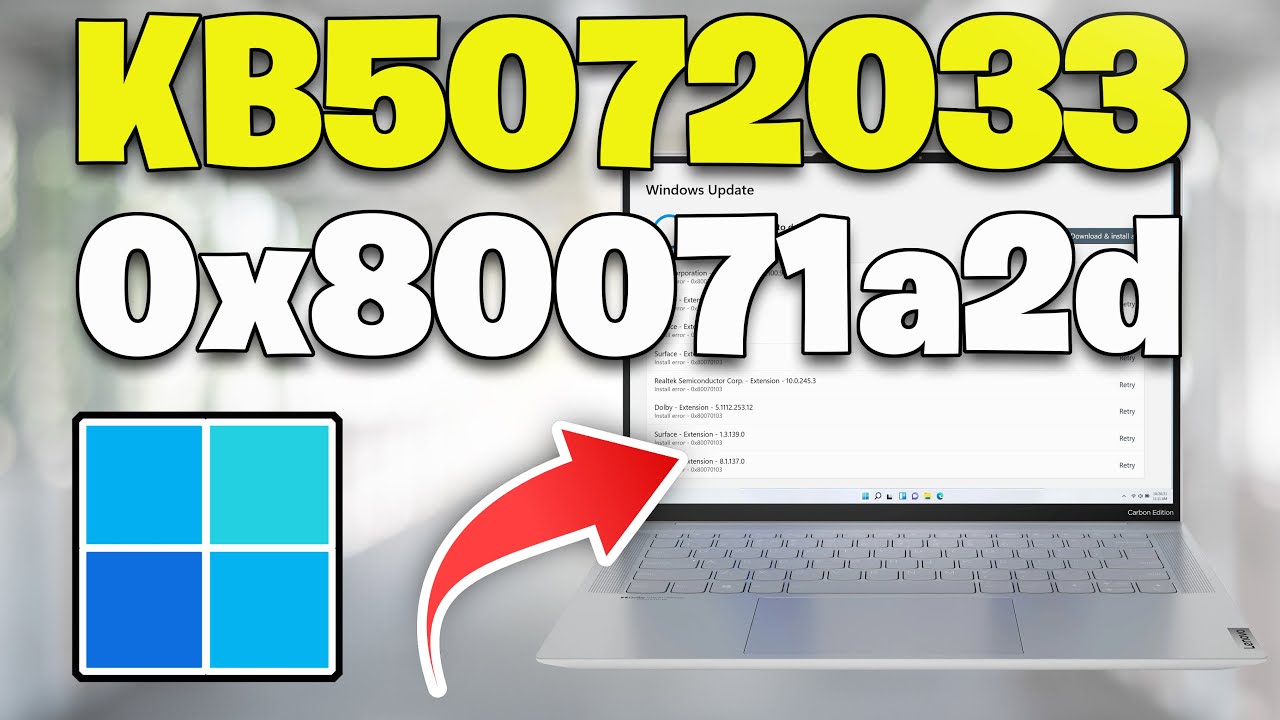
Windows 11 Update KB5072033 Not Installing Error 0x80070003 Couldn't Install Update FIX
Windows 11 Update KB5072033 failing to install with Error Code 0x80070003 – “Couldn’t Install Update.”This error indicates that Windows Update cannot find, access, or correctly read the files or paths required to install the update.
Common Causes of KB5072033 Error 0x80070003
1. Corrupted Windows Update Cache
This is the most common cause.
If files in:
SoftwareDistribution
Catroot2
are corrupted, incomplete, or mismatched, Windows Update cannot locate the correct paths needed to install KB5072033.
This often happens after:
interrupted downloads
failed update attempts
forced shutdowns during updates
2. Missing or Invalid Update File Paths
Windows Update expects certain files in specific directories.
If those files were:
deleted
moved
partially written
left behind by a failed update
This troubleshooting guide will work Windows 11 operating systems (Home, Professional, Enterprise, Education) and desktops, laptops, tables and computers manufactured by the following brands: Asus, Dell, HP, MSI, Alienware, MSI, Toshiba, Acer, Lenovo, razer, huawei, dynabook, LG , vaio, surface among others.
Windows cannot resolve the file paths and throws error 0x80070003.
3. Incomplete or Corrupted KB5072033 Download
If KB5072033 was only partially downloaded or corrupted during transfer, Windows Update cannot extract or validate the files.
Symptoms include:
repeated download attempts
update stuck at a percentage
immediate failure during install
-------------------------------------------------------------------
Copy and paste this:
net stop bits
net stop wuauserv
net stop appidsvc
net stop cryptsvc
Del "%ALLUSERSPROFILE%\Application Data\Microsoft\Network\Downloader\*.*"
rmdir %systemroot%\SoftwareDistribution /S /Q
rmdir %systemroot%\system32\catroot2 /S /Q
regsvr32.exe /s atl.dll
regsvr32.exe /s urlmon.dll
regsvr32.exe /s mshtml.dll
netsh winsock reset
netsh winsock reset proxy
net start bits
net start wuauserv
net start appidsvc
net start cryptsvc
▬▬▬▬▬▬▬▬▬▬▬▬▬▬▬▬▬▬▬▬▬▬▬▬▬▬▬▬
》 CHAPTERS 《
00:00 Intro
00:22 Solution #1
01:14 Solution #2
03:10 Solution #3
04:09 Solution #4
05:35 Outro Receive SMS online on sms24.me
TubeReader video aggregator is a website that collects and organizes online videos from the YouTube source. Video aggregation is done for different purposes, and TubeReader take different approaches to achieve their purpose.
Our try to collect videos of high quality or interest for visitors to view; the collection may be made by editors or may be based on community votes.
Another method is to base the collection on those videos most viewed, either at the aggregator site or at various popular video hosting sites.
TubeReader site exists to allow users to collect their own sets of videos, for personal use as well as for browsing and viewing by others; TubeReader can develop online communities around video sharing.
Our site allow users to create a personalized video playlist, for personal use as well as for browsing and viewing by others.
@YouTubeReaderBot allows you to subscribe to Youtube channels.
By using @YouTubeReaderBot Bot you agree with YouTube Terms of Service.
Use the @YouTubeReaderBot telegram bot to be the first to be notified when new videos are released on your favorite channels.
Look for new videos or channels and share them with your friends.
You can start using our bot from this video, subscribe now to Windows 11 Update KB5072033 Not Installing Error 0x80070003 Couldn't Install Update FIX
What is YouTube?
YouTube is a free video sharing website that makes it easy to watch online videos. You can even create and upload your own videos to share with others. Originally created in 2005, YouTube is now one of the most popular sites on the Web, with visitors watching around 6 billion hours of video every month.