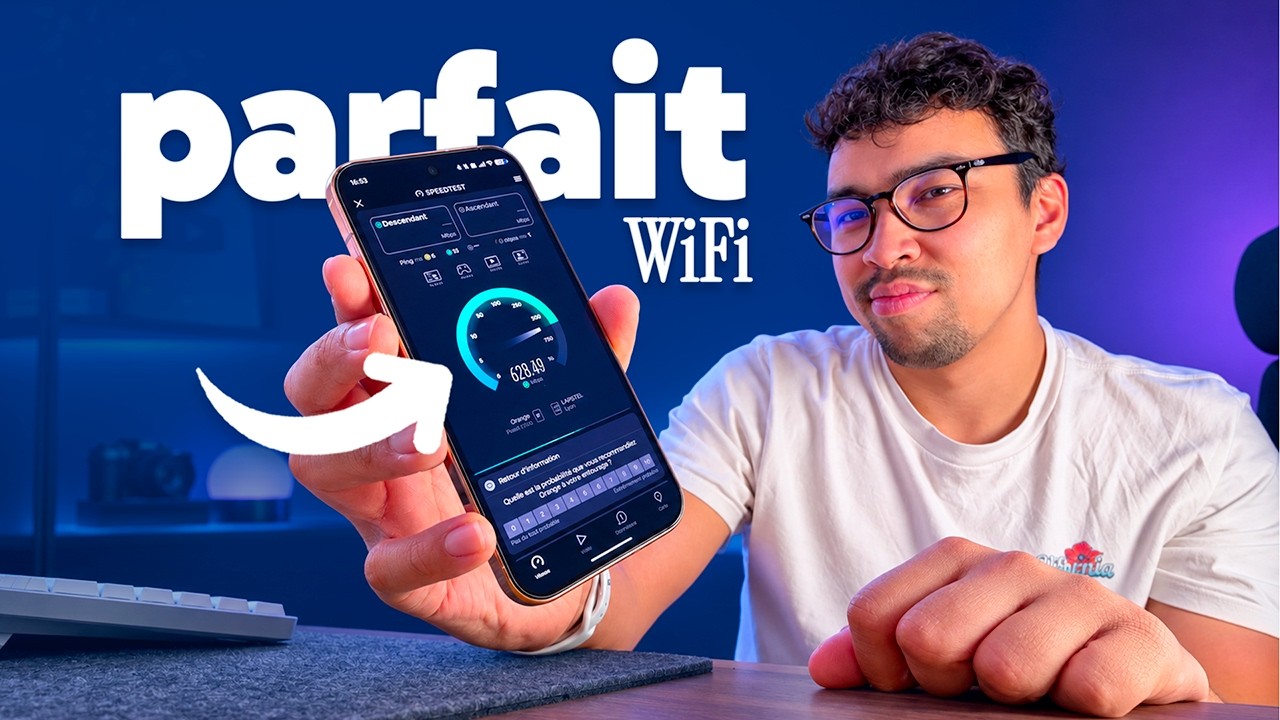
J'ai amélioré les Photos de mon S26 Ultra avec Ces Réglages !
J'ai amélioré les Photos de mon S26 Ultra avec Ces Réglages !Par défaut, le Samsung Galaxy S26 Ultra bride une grande partie du potentiel de ses capteurs photo et vidéo. Dans cette vidéo, je vous partage les réglages indispensables et cachés à activer immédiatement pour transformer la netteté de vos clichés et la fluidité de vos vidéos !
Au programme : débloquer le mode 24 MP dans Camera Assistant, reprendre le contrôle total sur les zooms optiques x3 et x5, éliminer les saccades en vidéo avec la cadence d'images (FPS auto), activer le haut débit pour éviter les artefacts de compression, passer au Samsung Log avec le codec APV, et exploiter la puissance d'Expert RAW avec les outils Labs (Réflecteur virtuel, Filtre ND, Astrophotographie).
00:00 - Introduction
00:20 - Le piège des mégapixels & le Pixel Binning
01:11 - Activer le mode secret 24 MP (Camera Assistant)
01:47 - Éviter le faux zoom optique (Changement auto d'objectif)
03:05 - Vidéo fluide sans saccades (Désactiver l'IPS auto)
04:02 - Vidéo à haut débit : éviter la bouillie de pixels
05:11 - Mode Pro ultime : Samsung Log & Codec APV
06:28 - Expert RAW : les outils Labs de studio
06:57 - Réflecteur virtuel
07:14 - Ouverture virtuelle & Bokeh
07:39 - Filtre ND numérique pour poses longues
08:00 - Conclusion
Mon Fnac Ambassadeur : https://ambassadeur.fnac.com/p/02vgG
────────────────────────
🔥 Suivez-moi sur les réseaux sociaux
📸 Instagram : https://www.instagram.com/gigatop.tv/
🐦 Twitter : https://x.com/Gigatop1
📘 Facebook : https://www.facebook.com/profile.php?id=61555490939858
🎮 TikTok : https://www.tiktok.com/@gigatop.tv
────────────────────────
🎬 Matériels utilisés sur la chaîne
📸 Caméras :
Sony ZV-1F : https://amzn.to/40nNcqi
Sony ZV-E10 : https://amzn.to/40lfjGp
Insta360 X3 : https://amzn.to/3KejSg4
🎤 Microphones :
Elgato Wave:3 : https://amzn.to/42NiGaJ
Saramonic Blink500 Pro : https://amzn.to/3FU9k3e
💡 Éclairage :
Elgato Key Light : https://amzn.to/3JVgMwa
Voir d'autres vidéos sur la chaine : https://www.youtube.com/c/GIGATOP
🌍 Suivre toute l'actualité : https://www.gigatop.fr/
📩 Contact pro : support@gigatop.fr Receive SMS online on sms24.me
TubeReader video aggregator is a website that collects and organizes online videos from the YouTube source. Video aggregation is done for different purposes, and TubeReader take different approaches to achieve their purpose.
Our try to collect videos of high quality or interest for visitors to view; the collection may be made by editors or may be based on community votes.
Another method is to base the collection on those videos most viewed, either at the aggregator site or at various popular video hosting sites.
TubeReader site exists to allow users to collect their own sets of videos, for personal use as well as for browsing and viewing by others; TubeReader can develop online communities around video sharing.
Our site allow users to create a personalized video playlist, for personal use as well as for browsing and viewing by others.
@YouTubeReaderBot allows you to subscribe to Youtube channels.
By using @YouTubeReaderBot Bot you agree with YouTube Terms of Service.
Use the @YouTubeReaderBot telegram bot to be the first to be notified when new videos are released on your favorite channels.
Look for new videos or channels and share them with your friends.
You can start using our bot from this video, subscribe now to J'ai amélioré les Photos de mon S26 Ultra avec Ces Réglages !
What is YouTube?
YouTube is a free video sharing website that makes it easy to watch online videos. You can even create and upload your own videos to share with others. Originally created in 2005, YouTube is now one of the most popular sites on the Web, with visitors watching around 6 billion hours of video every month.